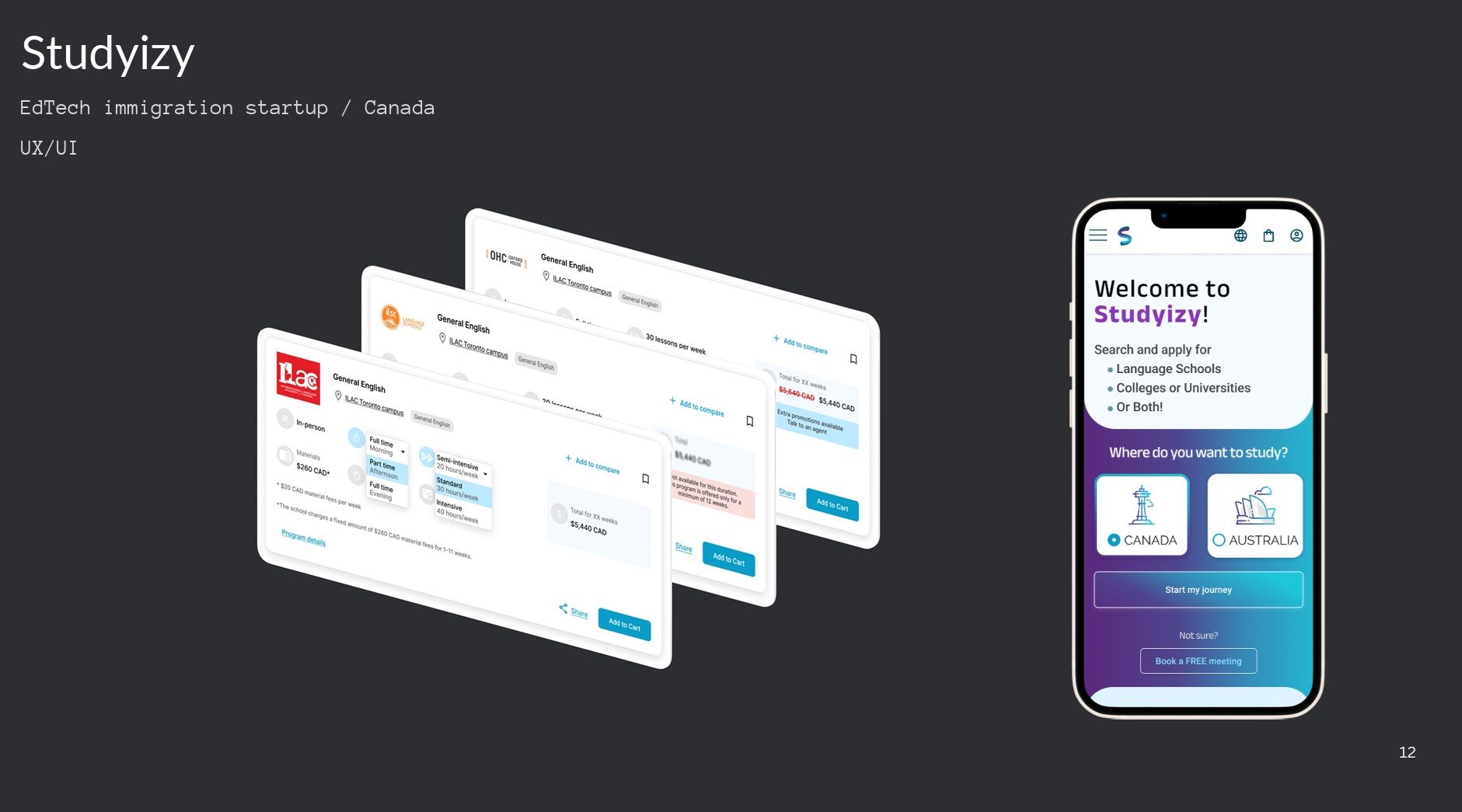
Search UX EdTech

Simplifying Program Search for International Students

Studyizy helps international students search for educational opportunities in Canada, but the experience was asking for too much precision too early.

I redesigned the search flow so students could start broad, recover from dead ends, and narrow with more confidence instead of getting lost in local details they did not yet understand.
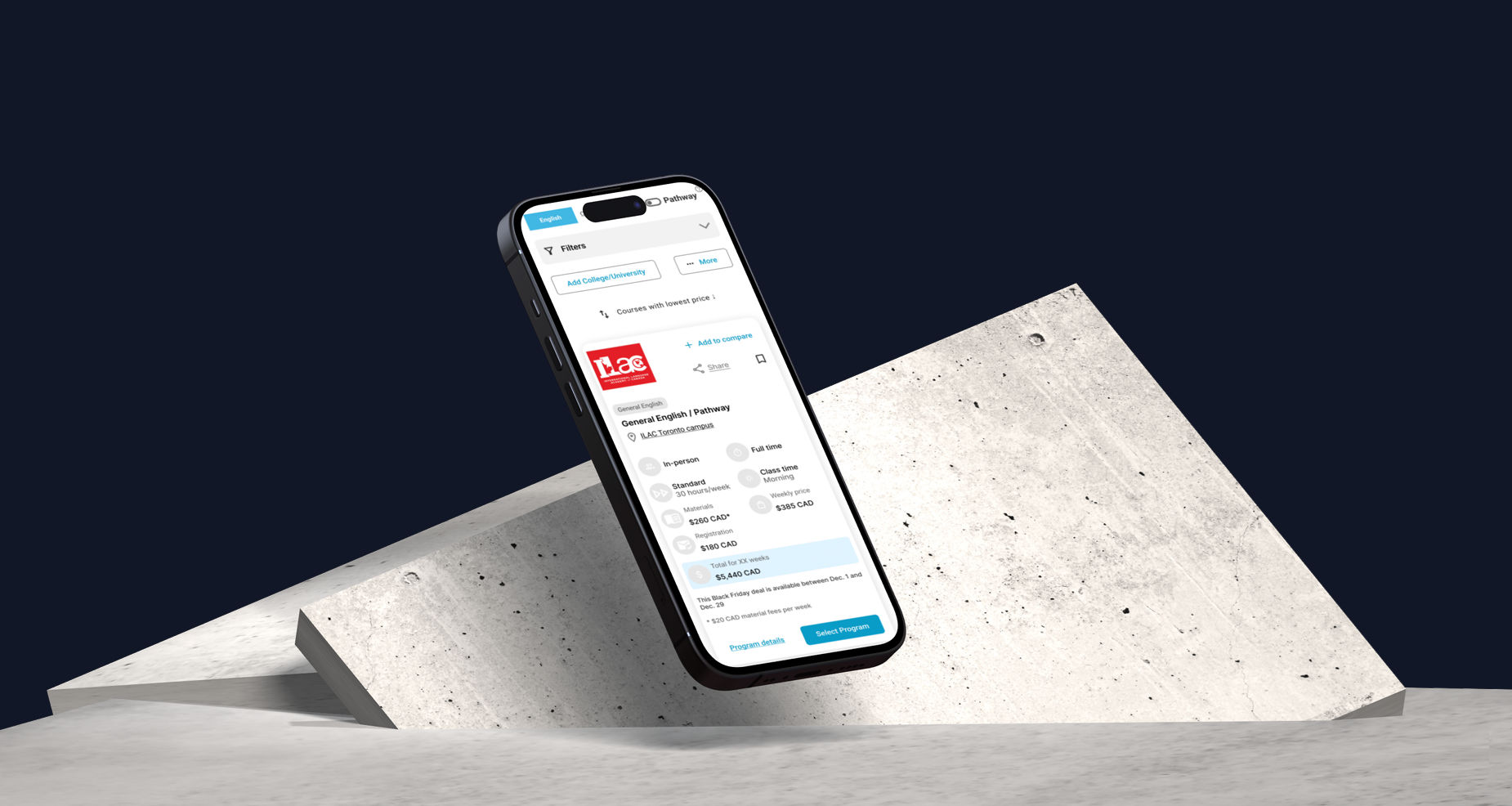
Studyizy search experience concept
01

Brief

Simplify the program-search experience for students applying from abroad, many of whom did not have enough local knowledge to navigate highly specific filters with confidence.

Context

Role: UX Designer

Focus: Search experience

Users: International students

Market: Canada

02

The Core Problem

One of the biggest friction points was location filtering. Students were asked to choose from a long list of individual cities such as Toronto, Mississauga, Hamilton, or Waterloo before they had enough context to know which one was right for them.

The product offered technical precision, but not helpful structure. That often led to over-narrowing, incorrect choices, and zero-results states with no obvious recovery path.

Before

  • City-by-city filtering too early
  • High chance of over-restricting results
  • Zero results with no clear next step

What Users Needed

  • Broader regions they could actually reason about
  • Useful default results earlier in the flow
  • Recovery paths instead of dead ends
03

Design Decisions

I reviewed the full search flow and focused on the moments where the interface asked for more certainty than users realistically had. The redesign made the experience broader, more forgiving, and easier to recover from.

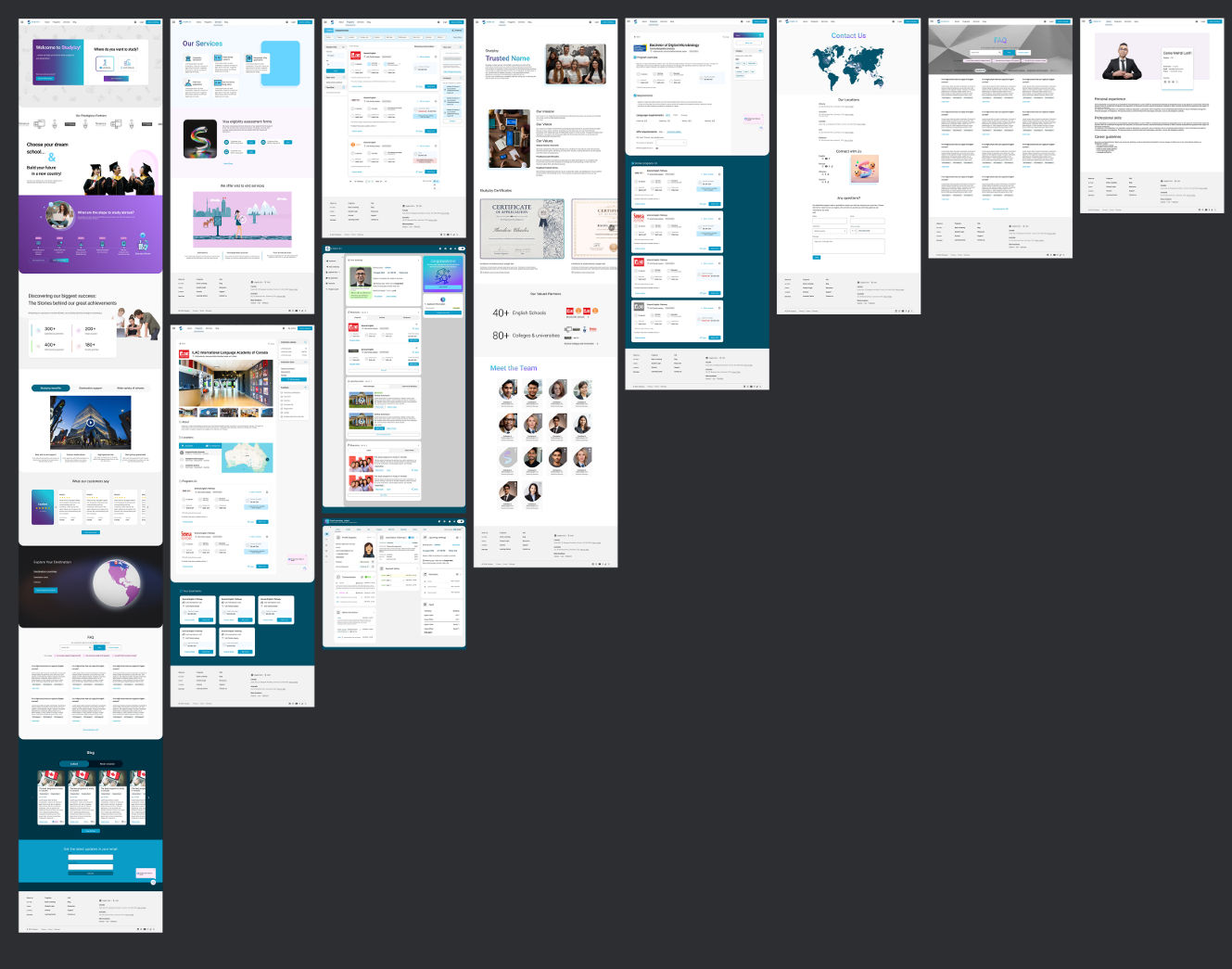
Studyizy program search screens

A broader, more guided search flow helped students understand the landscape first, then narrow with more confidence.

01. Geographic Clustering

From city lists to regional thinking

Instead of forcing students to search city by city, I redesigned the filters to support broader geographic clusters such as the Greater Toronto Area, Vancouver-adjacent options, or other regional groupings.

This matched how international students actually frame the decision: not “Which exact nearby city should I pick?” but “What opportunities are available in this broader area?”

Toronto
Mississauga
Hamilton
Waterloo
Greater Toronto Area Western Ontario

02. Better Defaults and Recovery

Make the search forgiving, not fragile

I adjusted the default search behavior so students could see useful options earlier, instead of being pushed immediately into narrow choices that produced empty results.

When users still reached a zero-results state, I redesigned that moment to offer recovery: broadening criteria, adjusting location, or exploring nearby alternatives rather than hitting a dead end.

Zero-Results Recovery

No matches found for your current filters.

Broaden location Remove one filter See nearby options
03. Cleaner Program Cards

Reduce duplicate-looking results

Similar versions of the same program used to appear as separate cards, such as morning versus afternoon schedules or intensive versus regular formats.

I consolidated these into a more unified card structure, so users could understand the program as one clear option while still seeing its available variations inside the card.

This reduced visual clutter and made it easier to compare actual differences instead of scanning through multiple near-duplicate listings.

Studyizy search cards redesign

The redesigned cards group related schedules and formats into a single, scannable result instead of forcing users to compare multiple nearly identical listings.

04

Outcome

The redesign made the search experience simpler and more confidence-building. Users could start broad, understand the landscape, and narrow down with more certainty instead of feeling punished for not knowing the system in advance.

Search Flow

Broader starting points instead of premature precision.

Recovery

Zero-results states became moments of guidance, not failure.

Information Design

Program variants became easier to compare inside a unified structure.

More control does not always mean a better experience. For users without local knowledge, good design means offering structure, sensible defaults, and clear recovery paths rather than forcing precision too early.